
Adobe InDesign is one of the leading solutions for creating professional layouts for print and digital publishing. It can be used to create works such as posters, flyers, brochures, magazines, newspapers, books and custom postcard printing as well. In conjunction with Adobe Digital Publishing Suite InDesign can publish content suitable for tablet devices.
InDesign is the perfect choice for making any document that needs some creative layout, from posters to newspapers. Essentially we use it for making magazines, books, catalogues but InDesign is much more! It offers all kinds of features to modify your text and images, which can work together in interesting ways to create a unique and professional design. In this post we’ll feature 30+ Amazing Adobe InDesign Tutorials.
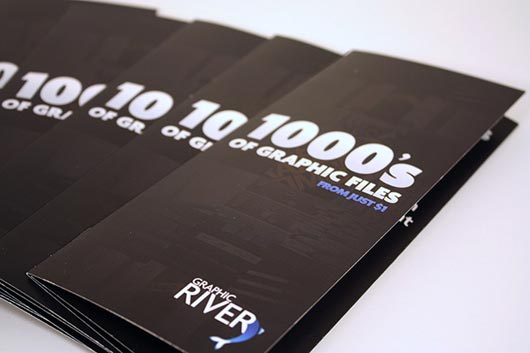
Create and Print a Brochure with Photoshop, Indesign – Part 1

Create and Print a Brochure with Photoshop, Indesign – Part 2
Create a Stylish Coffee Cup With Smart Objects

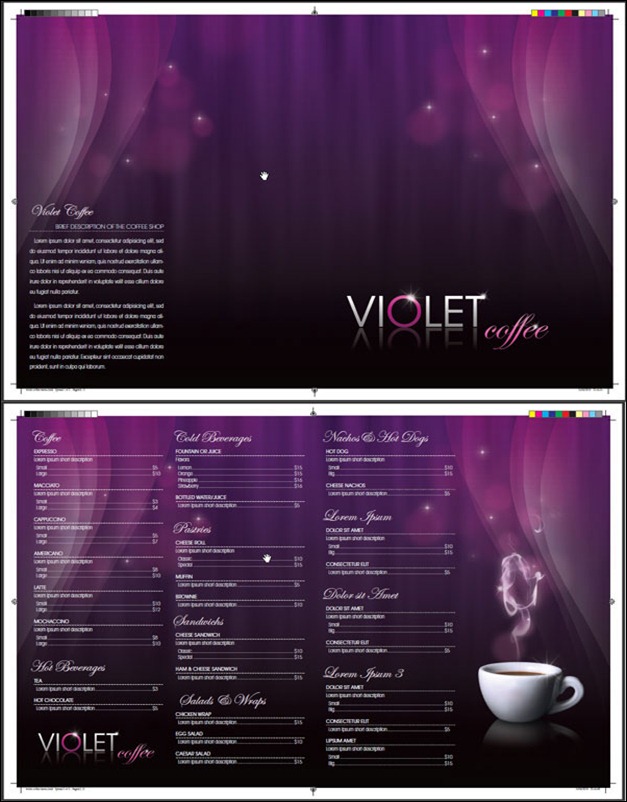
Design a Coffee Shop Menu Layout from Scratch with InDesign
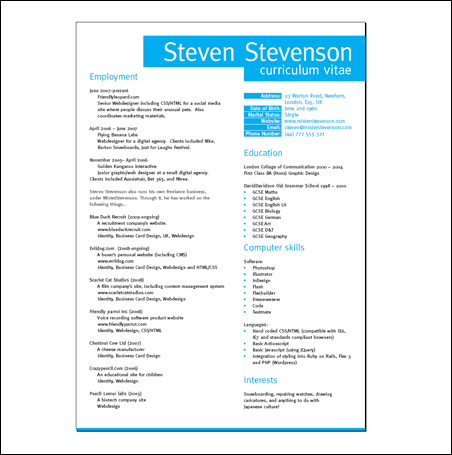
InDesign Tutorial – Create a Grid Based Resume/CV Layout in InDesign
How-to-guide for making a business card in Adobe InDesign

InDesign Tutorial – Create Numbered Tickets the Easy Way in InDesign

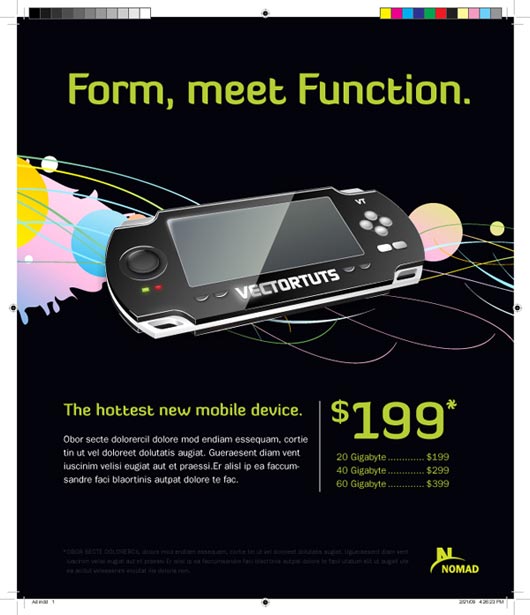
Design a Print-ready Ad in Adobe InDesign

How to Create a Music Magazine Cover in InDesign

InDesign Tutorial – How to Create a Coupon in InDesign

Magazine Cover Design

Creating iBooks Using Adobe InDesign

Mockup Blister Packaging in Photoshop

Design a Print-ready Ad in Adobe InDesign
How to Create a Flag Graphic with Type in InDesign

Quick Tip: Designing a Business Card with InDesign CS5

Design Business Cards in Adobe InDesign

An In Design Tutorial for Good Typography in InDesign

Mastering Running Titles in InDesign

Setting Up Live Captions in InDesign CS5

Creating PDF Forms in InDesign

Using Live Preflight

Give Your Tables Some Style!

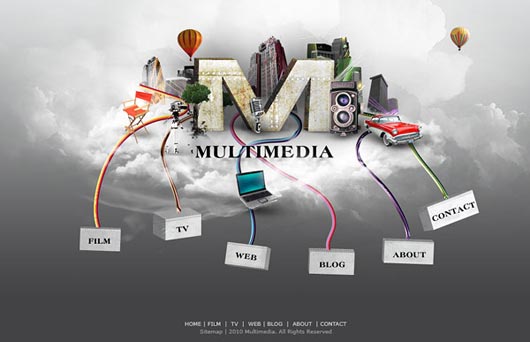
Design a Multimedia Website Layout in Photoshop
Using InDesign to Publish Your iPad Magazine

Fast Layout in Adobe InDesign CS4

Creating an interactive portfolio with InDesign CS3

Animating in InDesign

Type Reflection

Preparing InDesign Files for your Print Service

Importing Multiple Graphics using InDesign CS5

How to Batch Replace Characters and Glyphs

Using Object Styles in InDesign

